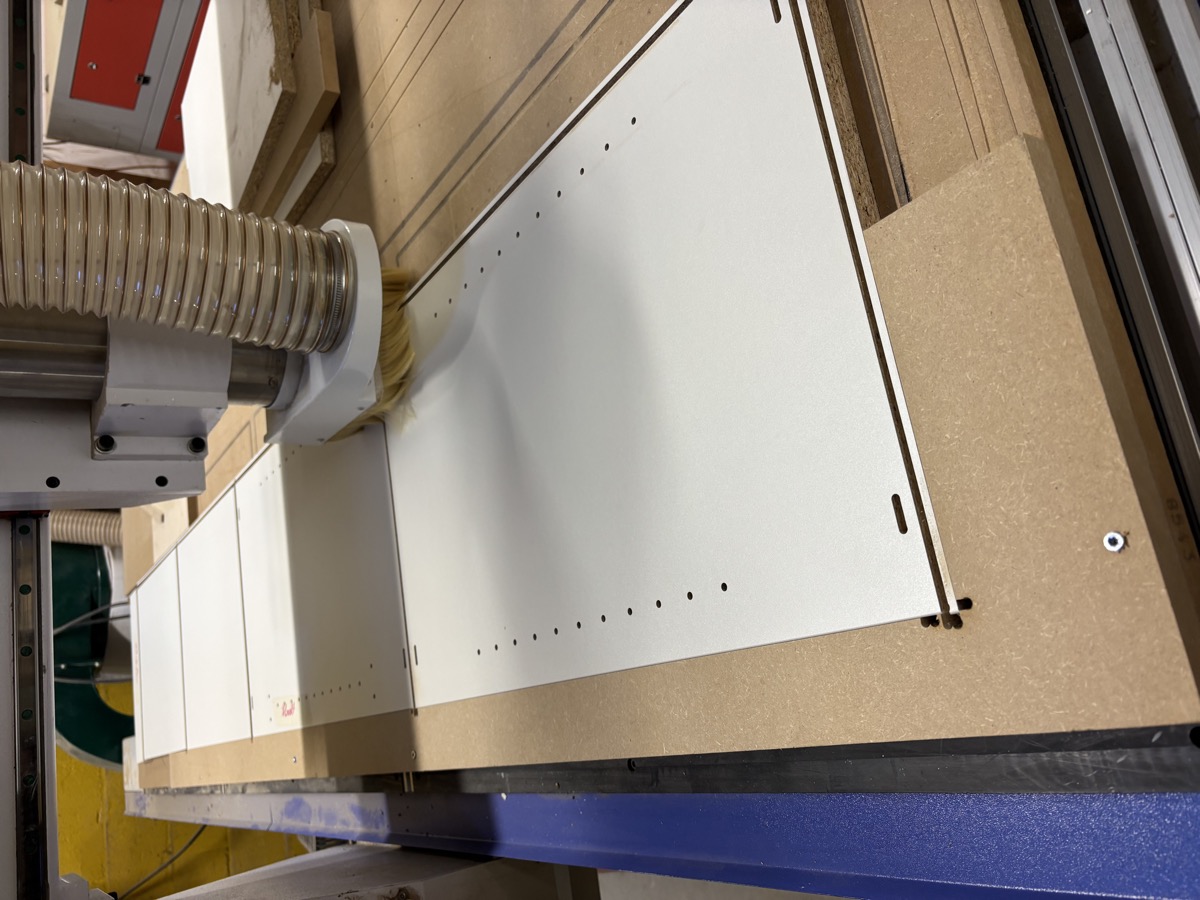
CNC Panel Cutting
Industrial cabinet software assumes a $50,000 machine with a tool changer, pneumatic pop-up pins, and an operator who does this full time. KerfLab is built for the Shapeoko or OneFinity in your garage — and the cabinet you want to make this weekend.
No account required
Industrial tools like Cabinet Vision assume you have a $20K CNC with an automatic tool changer, pneumatic pop-up pins, and a shop full of equipment. Generic CAM software like Fusion or VCarve treats your panels as dumb shapes — it doesn't know which edge is visible, what a hinge cup is, or that you're working with pre-banded sheet goods.
The result: hours of manual workarounds, expensive wasted material when positioning goes wrong, and finishes that don't look professional.
KerfLab is built from the ground up for the way hobby CNCs and small shops actually work.
Eyeballing it, misaligned drill patterns...
Drop and run, every time
Iron-on tape, trim, sand, finish...
Smart auto-orientation, zero post-processing
Manual tool changes, multiple setups...
Handles everything in one setup
Measure, mark, build a jig per size...
Perfect placement every time
Every time you place a sheet manually, you're eyeballing it. One slightly off sheet means misaligned drill patterns, wasted material, and a ruined workpiece. Professional shops solve this with pneumatic pop-up pins that cost thousands. KerfLab solves it with a $2 dowel pin.
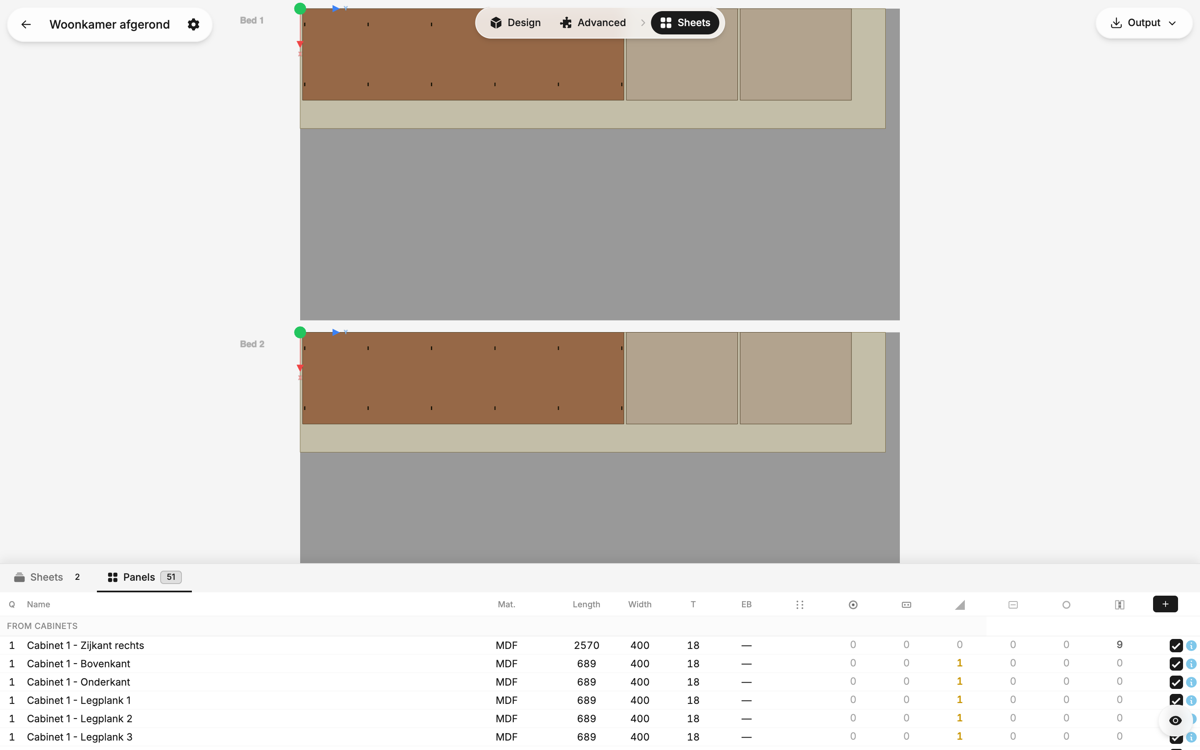
KerfLab calculates optimal pin positions for your specific CNC bed. You drill those holes once into your spoilboard — a five-minute job. From that moment on, every sheet goes in the same place, every time, with zero measuring.
Repeatability is what separates professional results from lucky results.
Manual edgebanding is slow, messy, and rarely looks as good as factory-applied tape. But most cabinet panels only need one finished edge — the front face. You can buy sheet goods with factory edgebanding already applied to one long edge, and the result looks completely professional.
No other software knows how to work with this. KerfLab does. Mark which edge of your sheet is pre-banded, and KerfLab automatically orients every panel so the visible edge aligns with the finished one.
Industrial CNC routers use automatic tool changers to swap between flat cutters, drill bits, and hinge cup borers mid-job. Your machine probably doesn't have one — and that's fine. A quality 5–6mm compression cutter can cut panels cleanly, drill shelf pin holes, and bore hinge cups using helical ramping. One tool, one setup, one complete job.
KerfLab generates G-code optimised for exactly this approach. No manual tool change pauses. No multiple setups. Just run the job.
Have panels that are already cut? Need to add hardware after the fact — hinge cups, shelf pins, System 32 holes? Without a repeatable positioning system, this is a measuring and marking nightmare. With KerfLab, you generate panel-specific indexing pin positions, place the panel against those pins, and run the drilling program. Features land exactly where they should, every time, on every panel of that size.
You have a desktop CNC — a Shapeoko, OneFinity, or similar. You make cabinets for your home, garage, or as a side project. You've hit the wall where generic CAM gets you most of the way there but never quite handles the cabinet-specific stuff. KerfLab fills that gap.
You make custom cabinets for clients and you're running a real CNC, but enterprise software is overkill and overpriced. You need speed, repeatability, and results that look professional — without spending $3,000/year on a license.
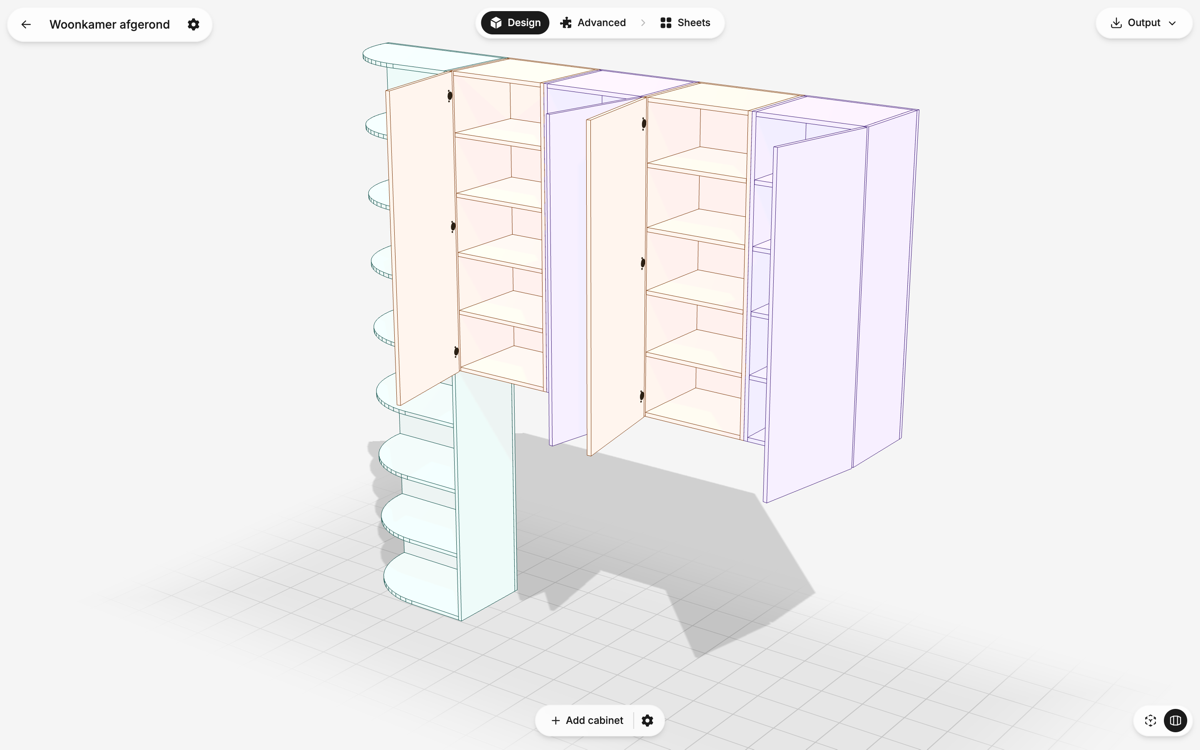
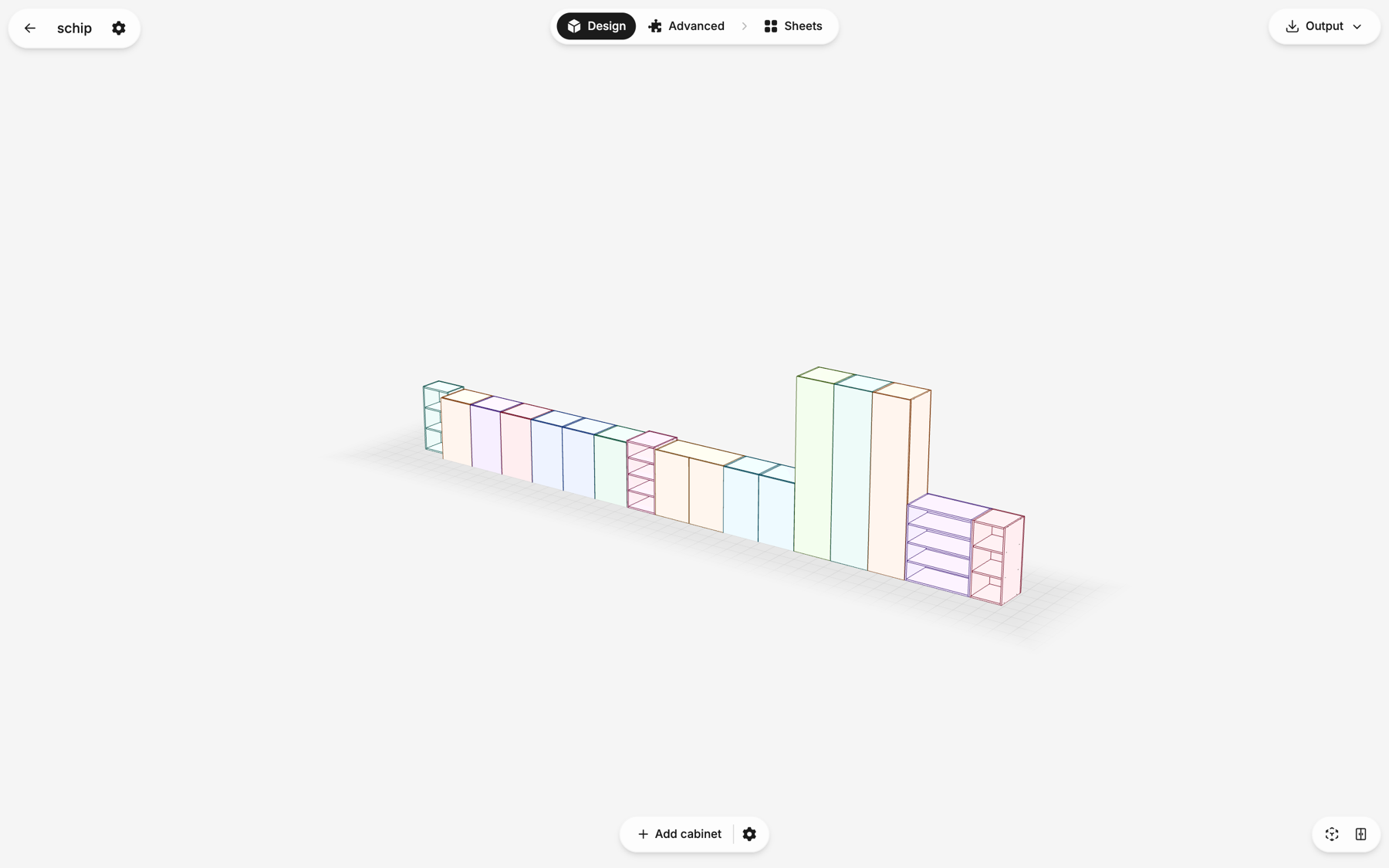
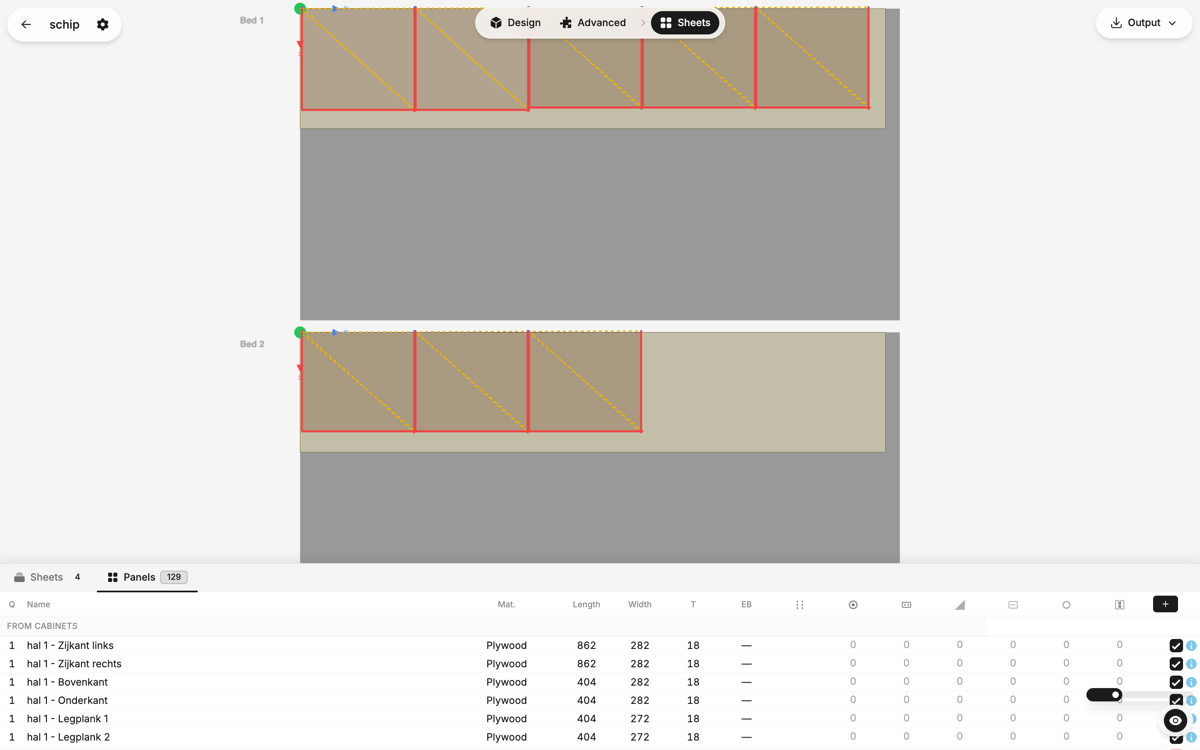
Try KerfLab free. No account required. Design a cabinet, nest your panels, generate G-code — and see what it feels like when the software actually understands your workflow.
CNC Panel Cutting Made Simple
© 2026 KerfLab. All rights reserved.